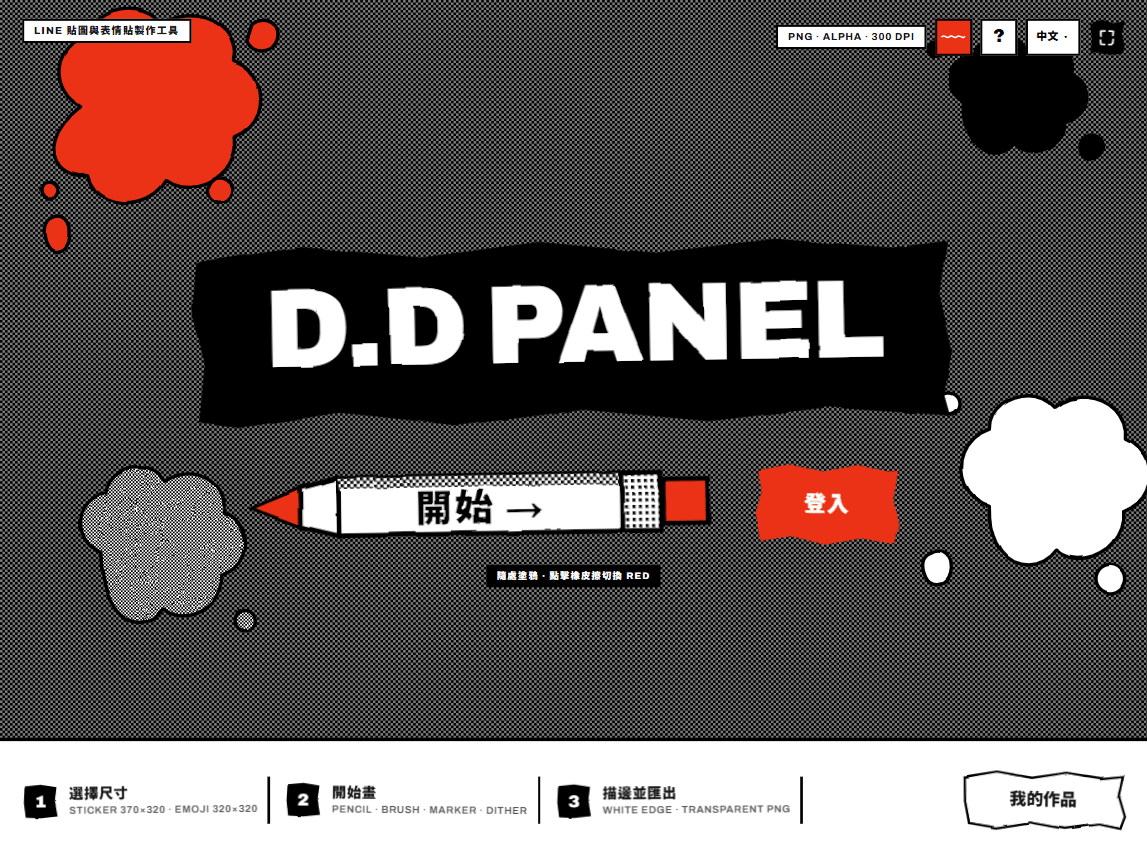
So people who don’t know professional drawing software can finish a drawing and get a LINE sticker that’s ready to publish.
- A LINE sticker / emoji drawing tool (D.D PANEL) built with Next.js, React and TypeScript: choose a size (sticker 370×320, emoji 180×180) and draw right in the browser
- Pencil, Brush, Marker, Fill and Eraser tools, a 10-color ink palette, up to 6 layers, and reference images for tracing
- A layer outline feature adds the white border automatically, solving visibility on dark themes; exports spec-compliant transparent PNGs (300 DPI, under 1 MB) with automatic margin correction
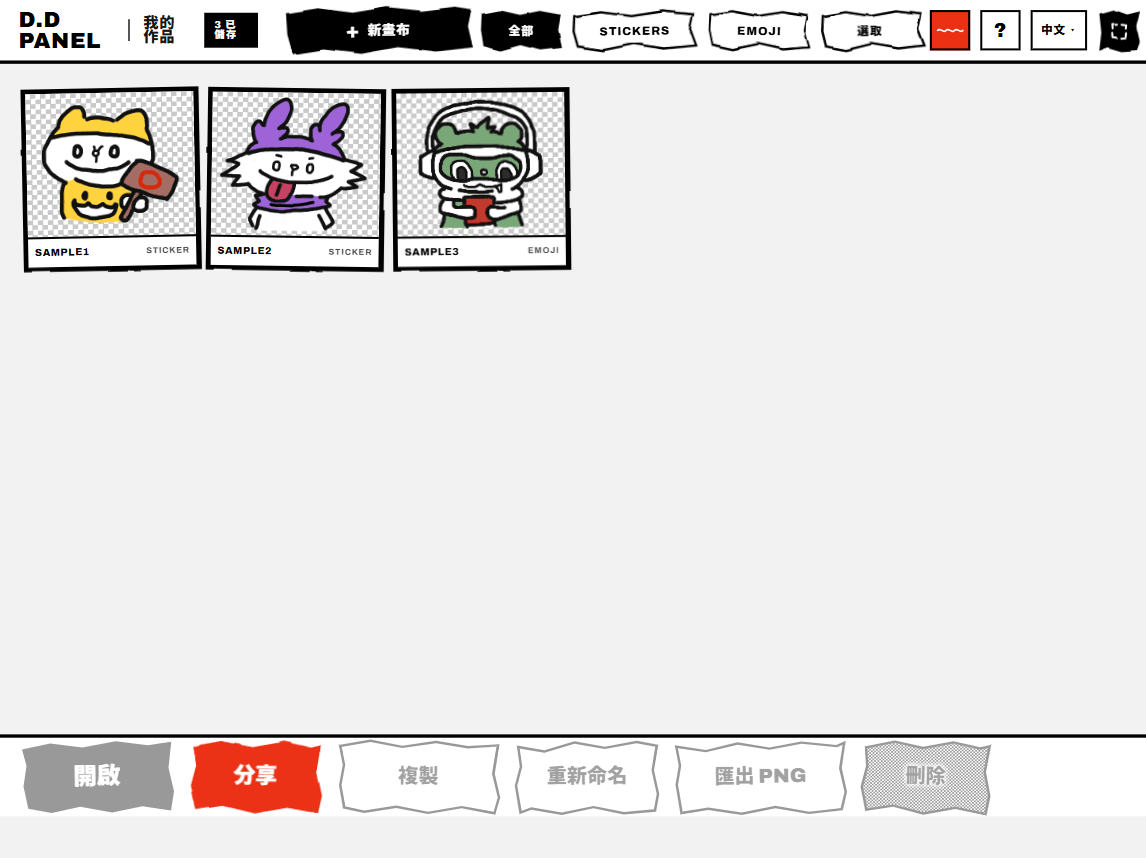
- A “My Works” library to save, duplicate, rename, export and share; the 1-bit doodle-style interface was designed first, then built with Claude Code
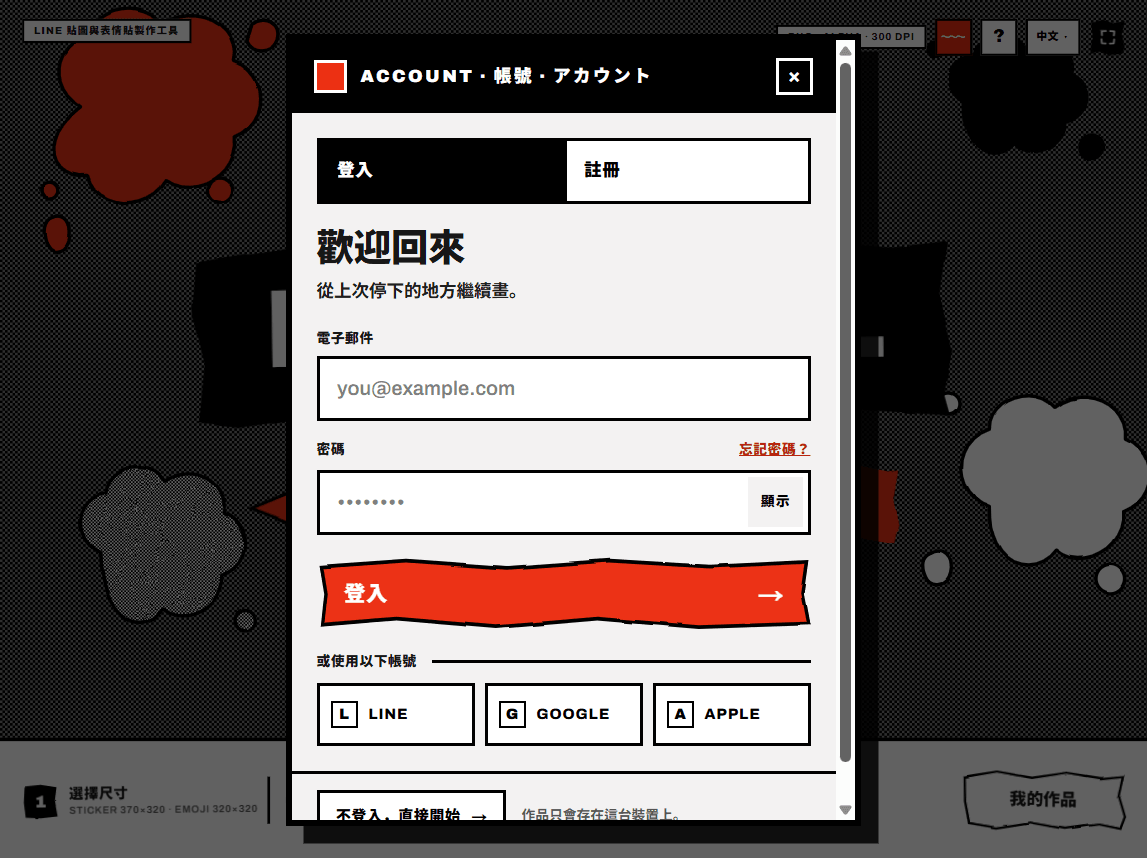
Draw first, sign in when you need to
You can start without signing in — your work is saved in this device’s browser; sign up with email when you want to keep an account (Better Auth + Turso). “My Works” gathers all your stickers and emoji, filterable by type, and lets you open, share, duplicate, rename or export them as PNG.
A canvas built for LINE’s specs
Pick sticker (370×320) or emoji (180×180) and start drawing: five tools — Pencil, Brush, Marker, Fill and Eraser — a 10-color ink palette, up to 6 layers and a move tool. The canvas marks the safe area, and export automatically handles the white outline, transparent background, 300 DPI and the under-1 MB file limit.
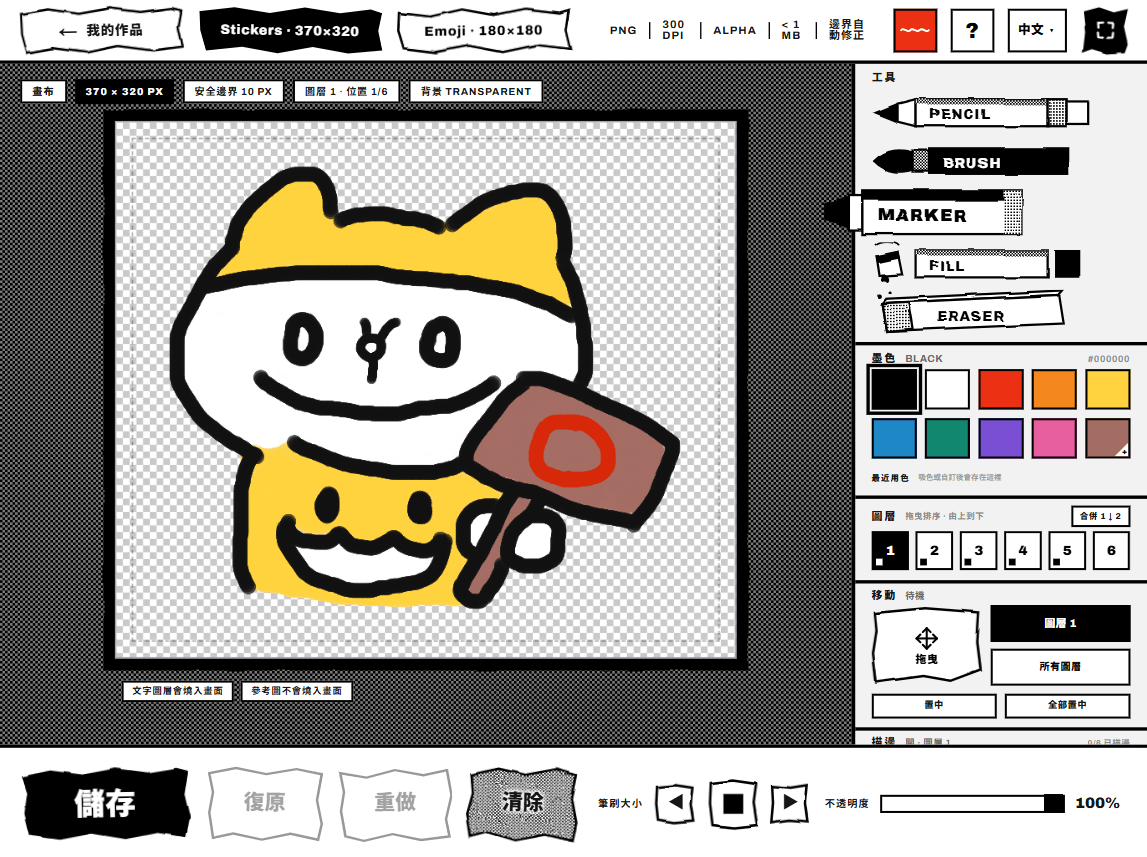
Photo booth: turn your work into share cards
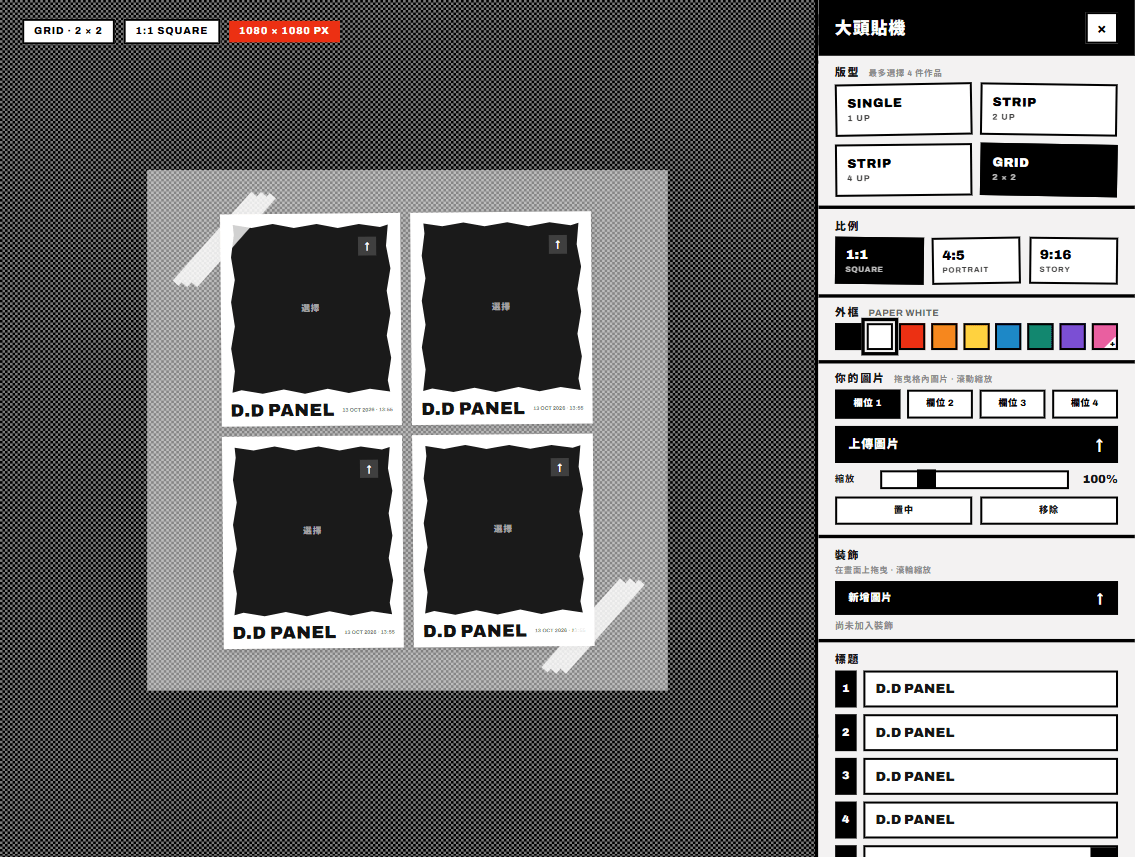
Pick up to 4 works from your gallery, choose a single, strip or 2×2 layout and a 1:1, 4:5 or 9:16 ratio, change the frame color, add your own photo, decorations and titles, and make a photo-booth-style image to post on social media or send to friends.
A sticker in 30 seconds
From the home page, open a new canvas, draw the outline with a brush, color it with the fill tool, then add a white outline in one click. Once saved it appears in “My Works” and can be exported straight away as a LINE-spec transparent PNG.