Letting an AI agent model directly in Grasshopper: once connected to the canvas via MCP, the agent adds components, wires them, sets sliders, takes screenshots to check results and fixes problems on its own. The designer only describes needs in everyday language and judges the direction.
- Uses the open-source plug-in Cordyceps as Grasshopper’s MCP connector, so agents such as Claude Code can add components, connect wires, set sliders, read outputs and take screenshots
- The agent doesn’t just tweak existing parameters — it can build definitions from scratch, change the model structure and write Python script components for complex geometry
- After each step it takes a screenshot and reads output values to check itself, fixing mistakes on its own (for example, a scaling error caused by an unflattened data tree)
- Four cases: a parametric facade, a lamp series rebuilt from a reference image, a shape × texture stool generator, and a wave-slat stool rebuilt from a photo
Parametric modeling: ideas are fast, wiring is slow
Turning an idea into a parametric model in Grasshopper means knowing which components to use, how to wire them and how to align data structures; even switching to a different form often means rewiring a whole section of the definition.
Typical AI assistance stops at answering questions or returning parameters: the AI can’t see the canvas, can only adjust existing parameters, and someone still has to report back whether the result is right.
The agent connects straight to Grasshopper
MCP (Model Context Protocol) is an open standard that lets AI connect to all kinds of software in the same way — like USB for computer peripherals. Cordyceps is an open-source MCP plug-in for Grasshopper: placing one component on the canvas starts a local server, and the agent can then create components, wire them, write script components, read errors and output values, save snapshots, and even set up materials, lighting and renders.
Unlike Raven, a Grasshopper plug-in with AI built in, Cordyceps has no AI of its own and connects to an external agent. The upside: you can pick and switch agents freely, design rules written as Skills travel with you, and the same connection method works for software beyond Rhino.
A parametric facade from one sentence
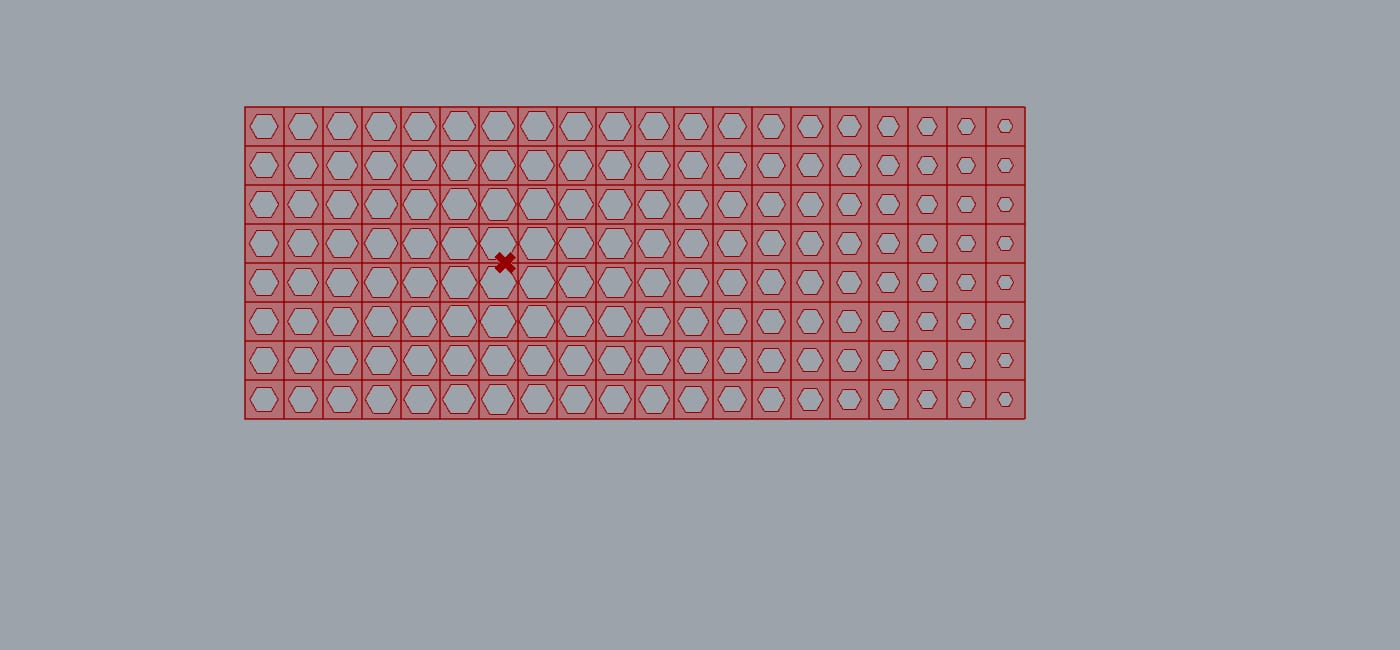
First prompt: “On the XZ plane, create a 20 × 8 square facade panel whose openings change size with distance from an attractor point, with slider controls.” Second prompt: “Change the openings to hexagons, with each opening no larger than 60% of its cell.”
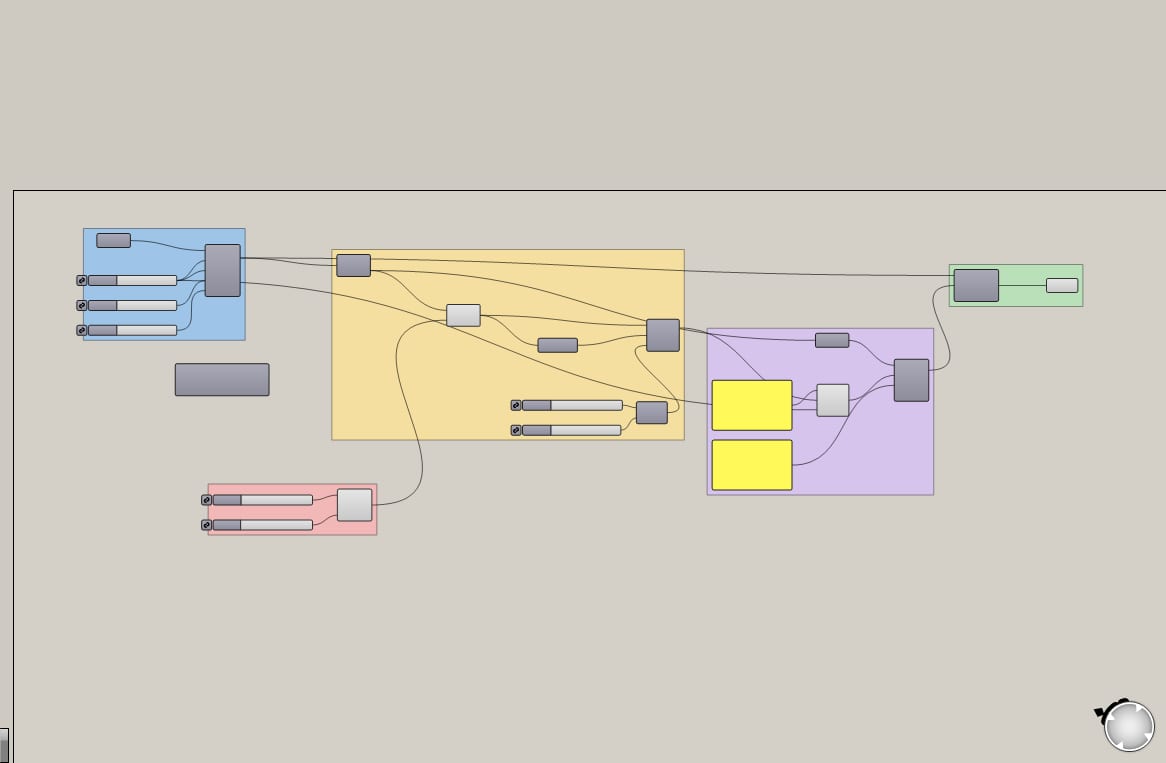
The agent created the components, wired them and checked screenshots on its own. Along the way it read the output values, noticed that each row was scaling independently (the data tree branches weren’t flattened), switched to Flatten and recomputed; finally it grouped the canvas and gave the sliders clear names so the definition is easy to understand.
Lamps: from one reference image to a series
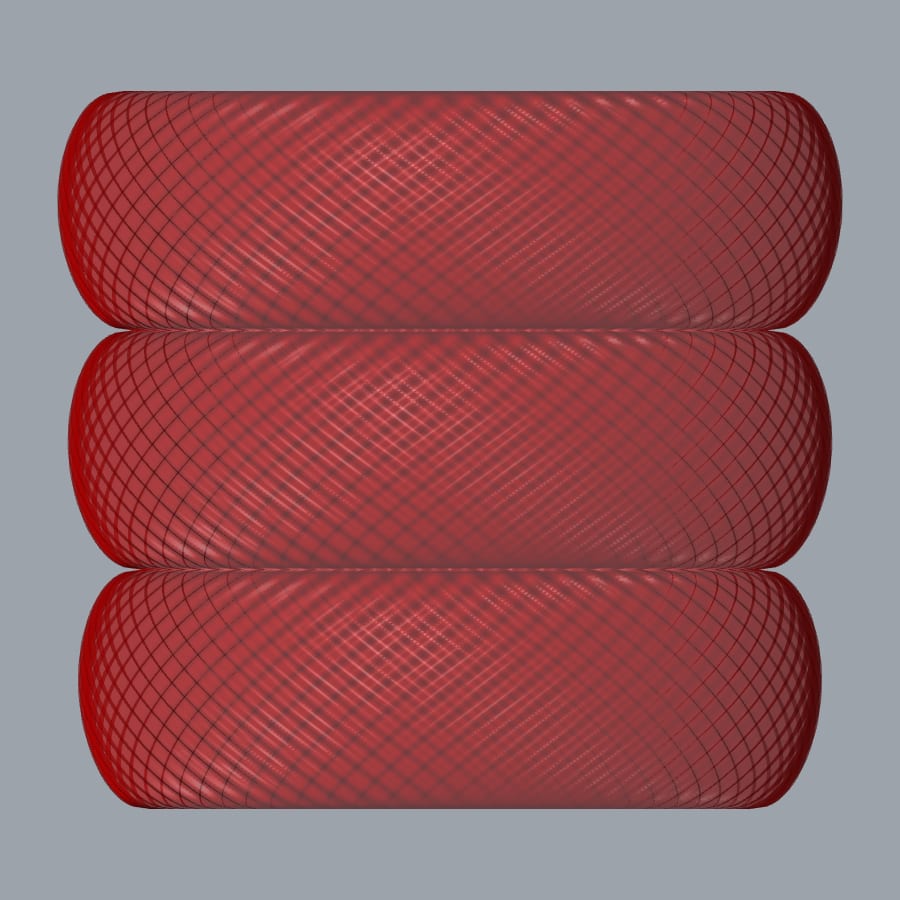
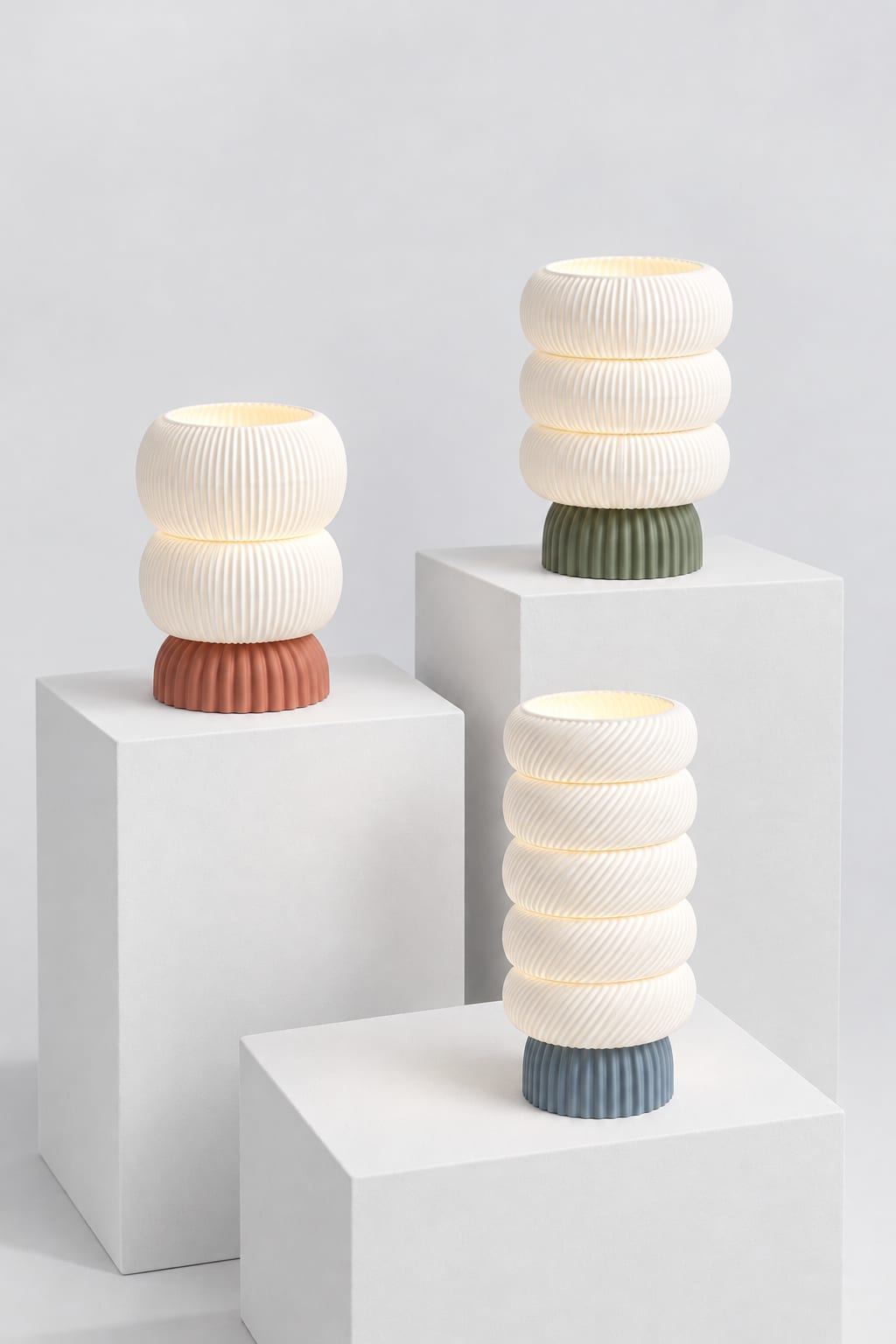
Breaking down the reference lamp: the shade is a stack of swelling tiers with diagonal spiral ribs, and the base is a vertically fluted dome. The agent modeled it with 2 Python script components and 16 sliders, comparing each step’s screenshot with the reference and adjusting, then set up a matte material and warm-light render.
Then one sentence — “make 3 lamps with different moods in the same style” — and the agent only changed slider values and baked each one, producing three versions: a plump 2-tier, a 3-tier diagonal spiral, and a slim 5-tier.
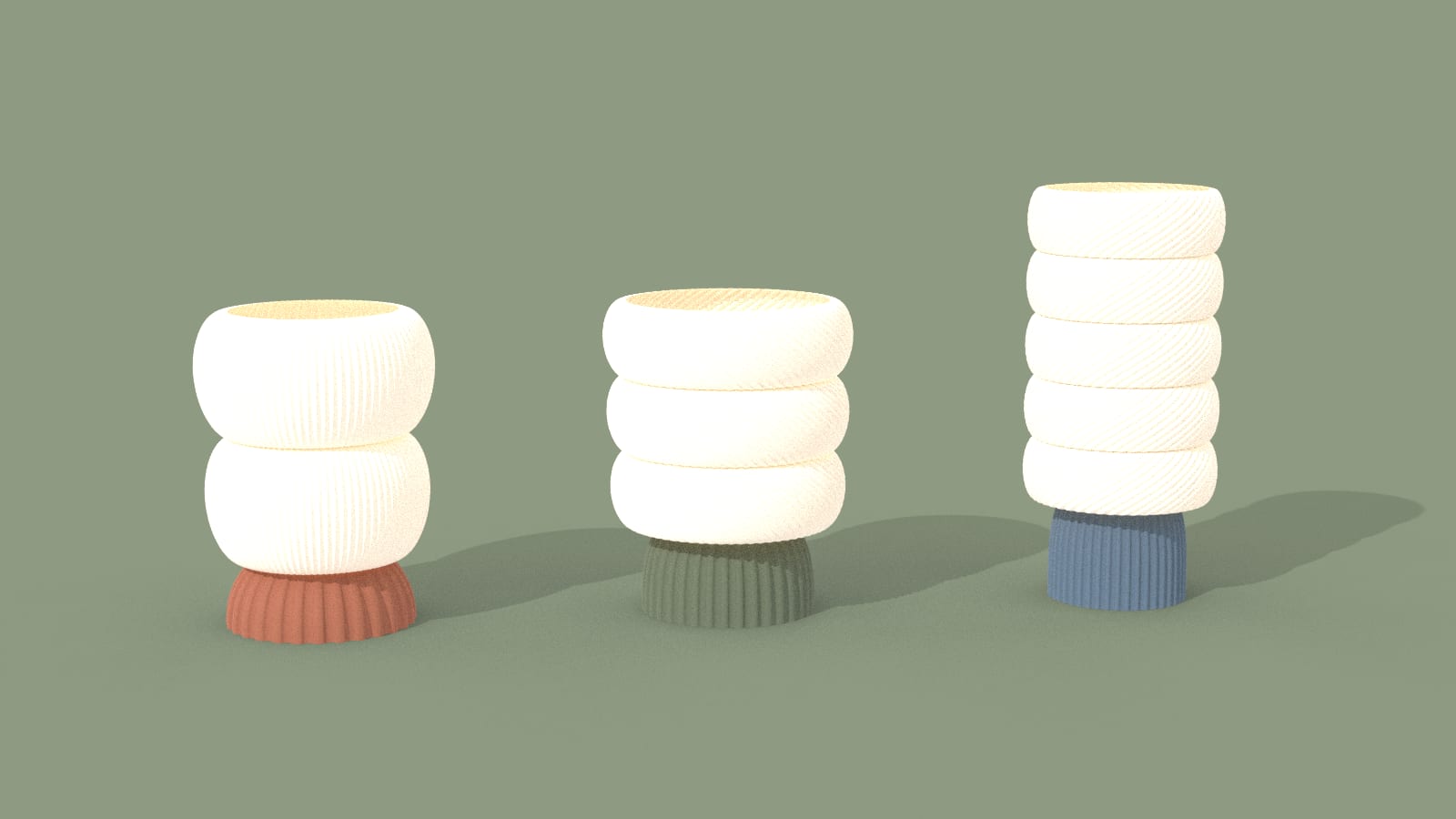
Product shots of the three lamps
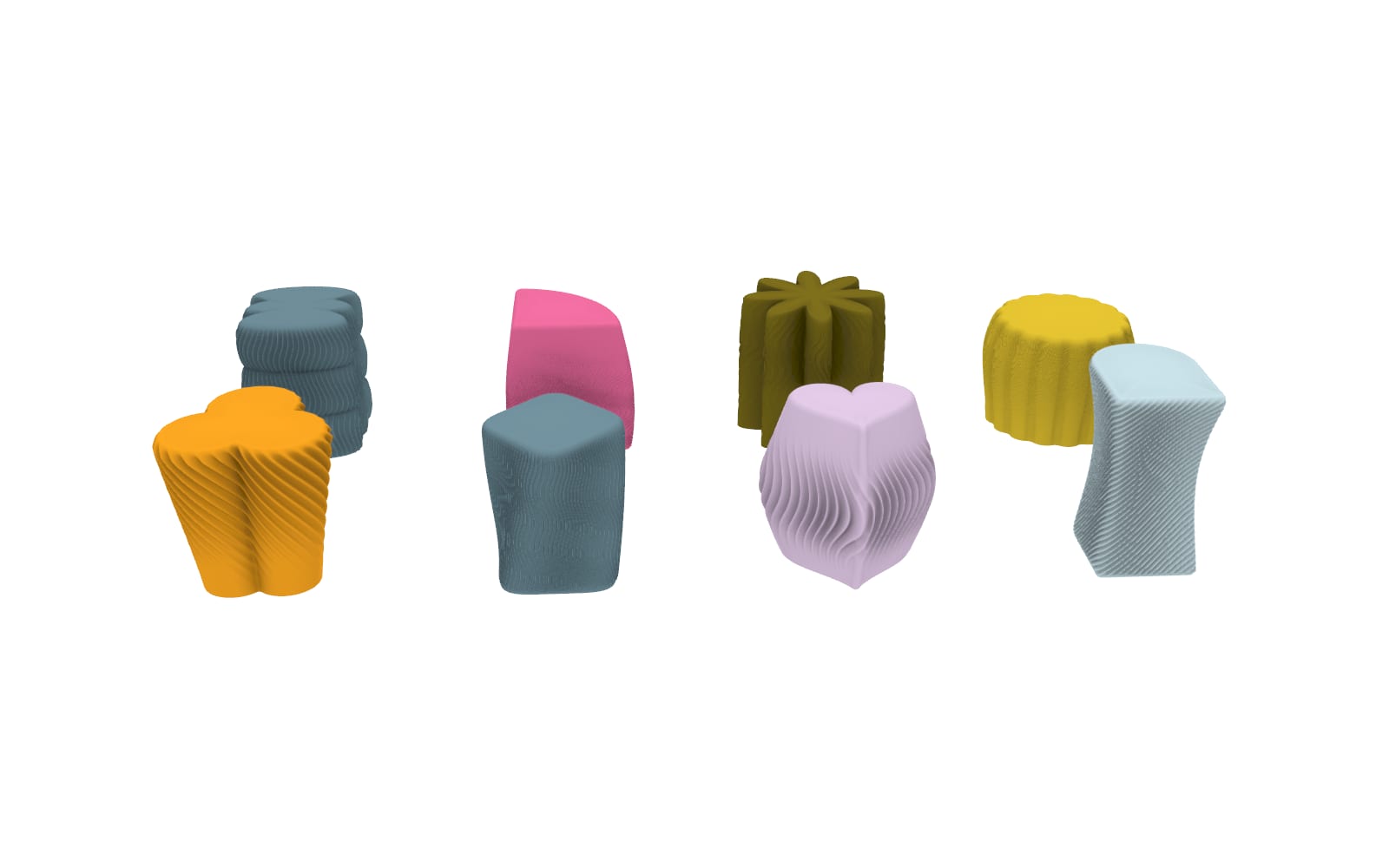
Stools: a shape × texture series generator
The plan shapes come from a shape reference sheet (trefoil, heart, arch, quarter circle and more), the texture is ribbing that changes along the height, and curvature variations add bulges, waists, tiers and flares. Each stool is one line of parameters — change the line and you get a new stool.
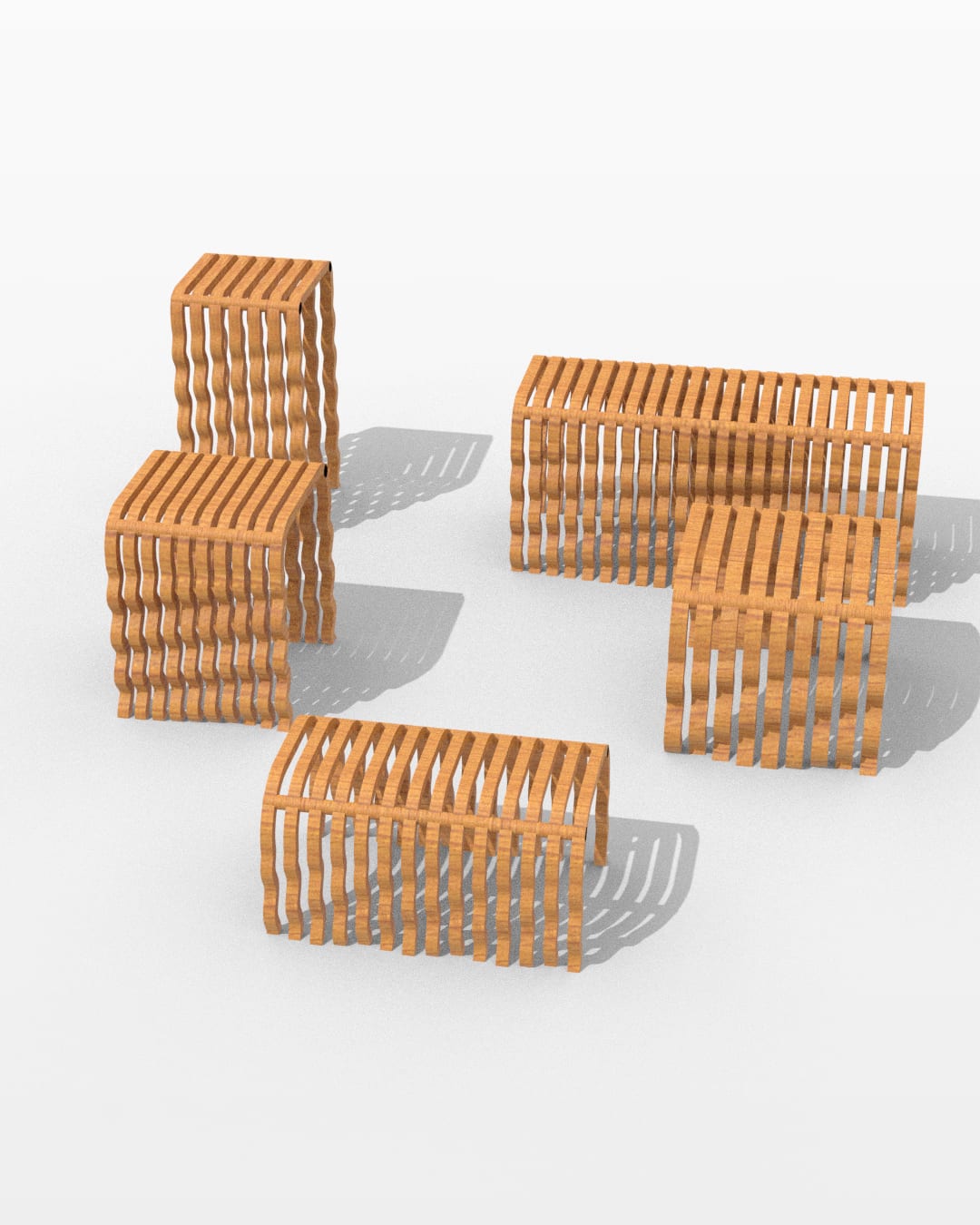
Wave stool: from a photo to an adjustable parametric stool
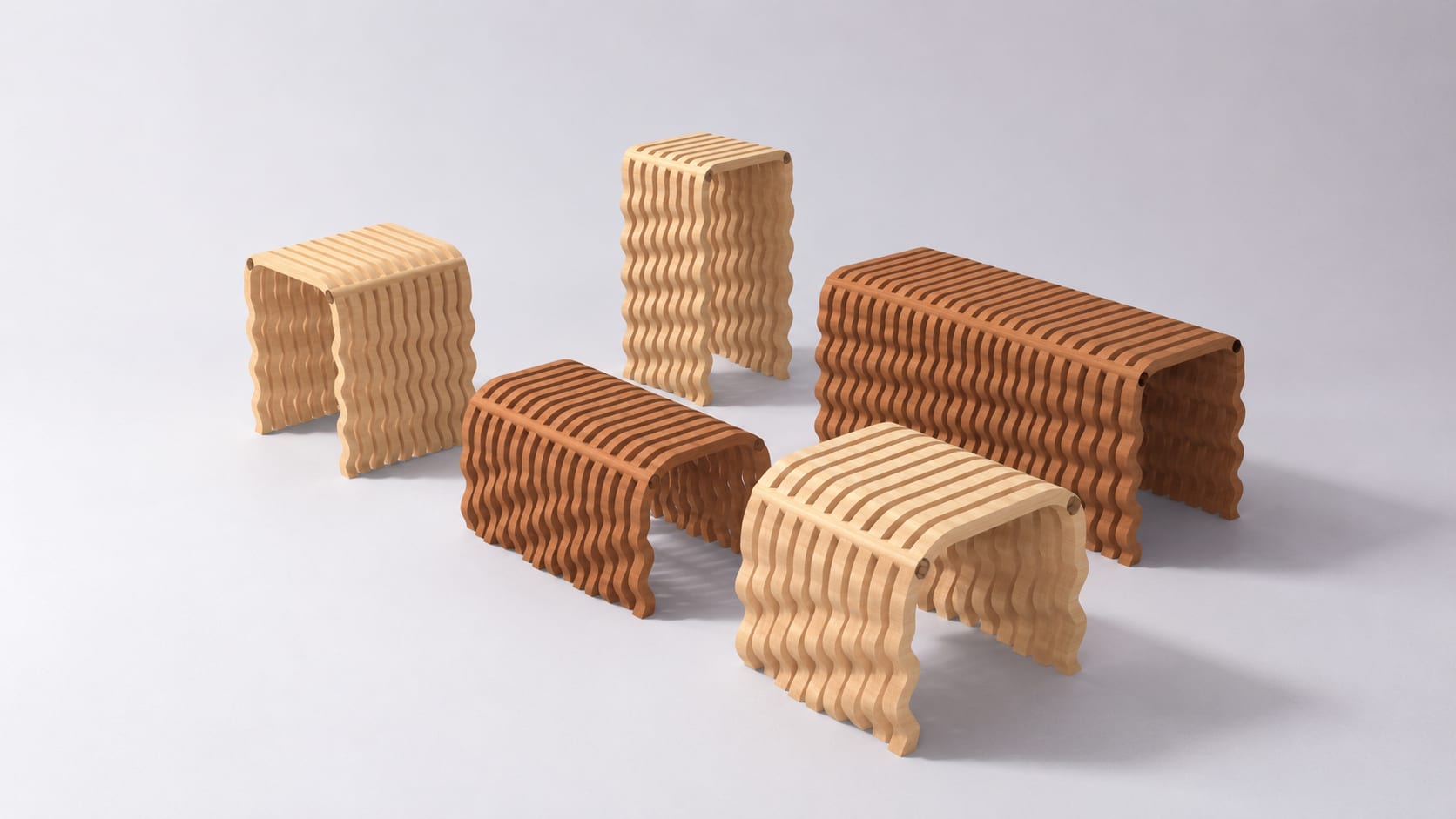
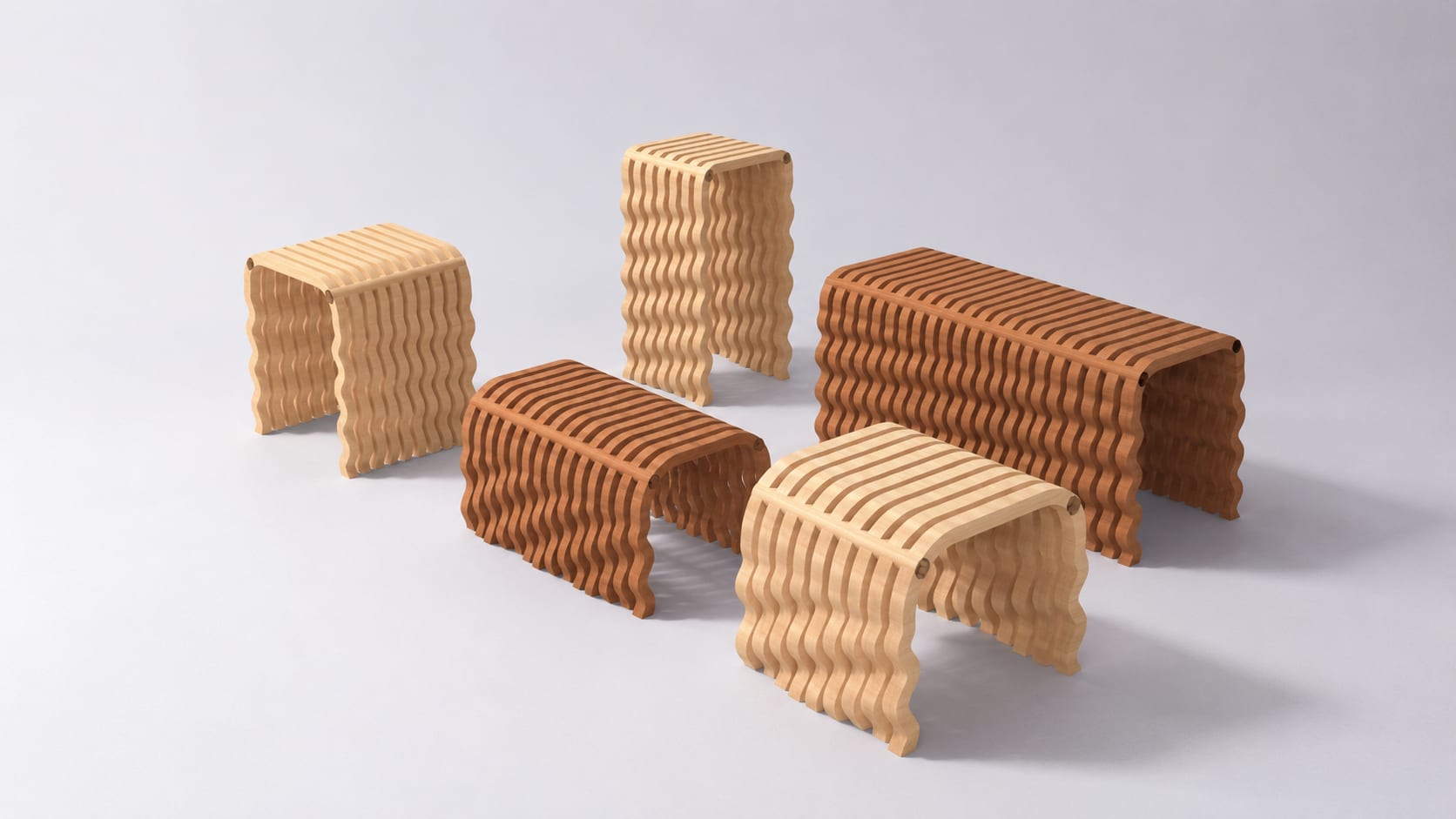
Each slat is an inverted-U profile with wavy legs, built by offsetting curves, extruding and capping — no meshes. Eleven sliders control size, slat count, corner radius, wave amplitude, wave count and phase offset; each new set of values baked once gives a new design, five in total from a long bench to a low footstool.
Product shots of the five stools
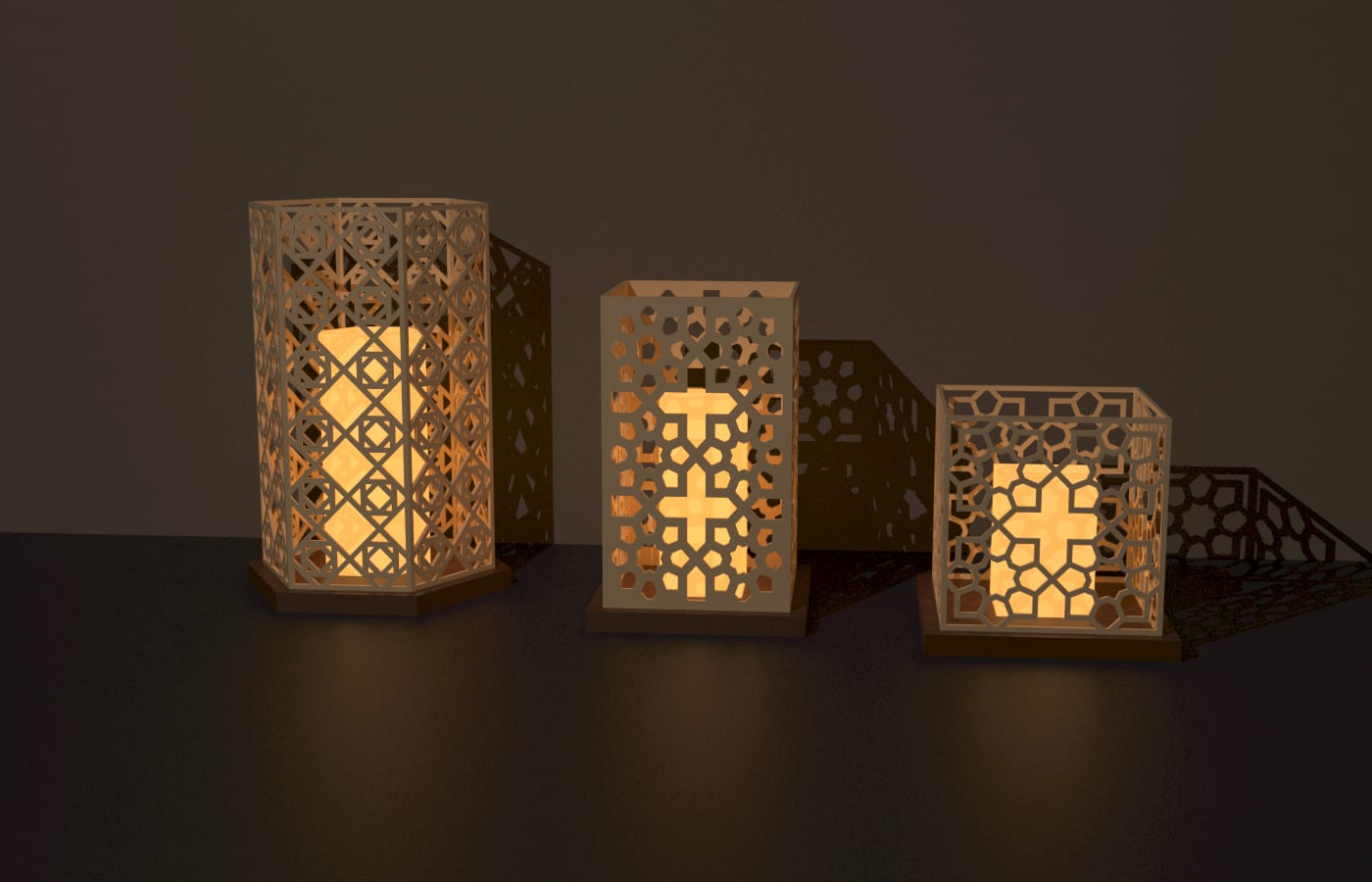
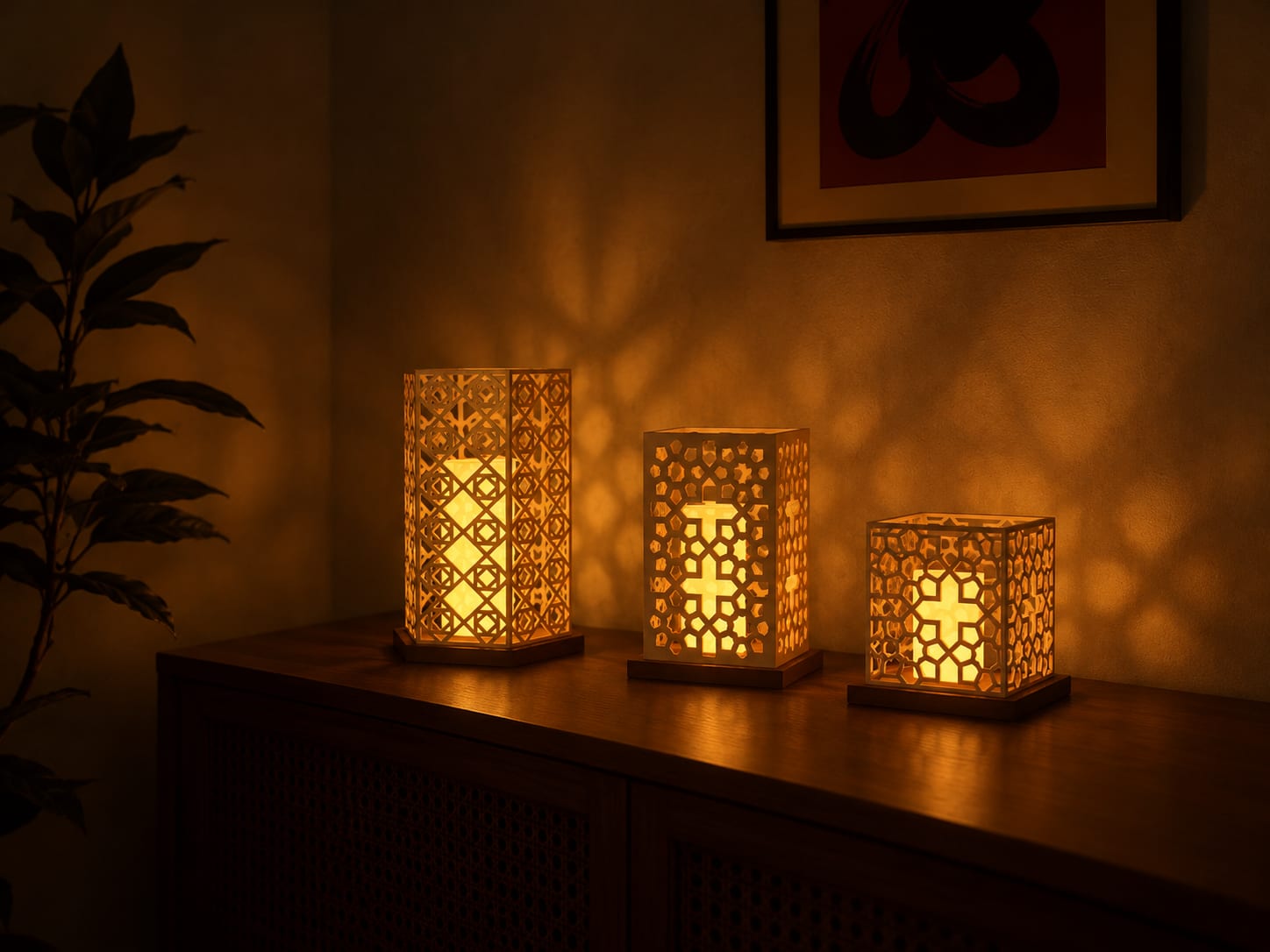
Extension: geometric lattice night lights
Hand repetitive work to the agent, keep time for design judgment
The designer describes needs and chooses the direction; creating components, wiring, checking and fixing are left to the agent. The same MCP approach can extend to design software beyond Rhino.